Android app for construction photos
FieldFoto organises photos the way a job is built: by project, level and space. Tag them on the plan, compare site and finish, mark them up and send a report, all from the phone.
Coming soon to Google PlayNo account. No subscription. Your photos stay on your phone.
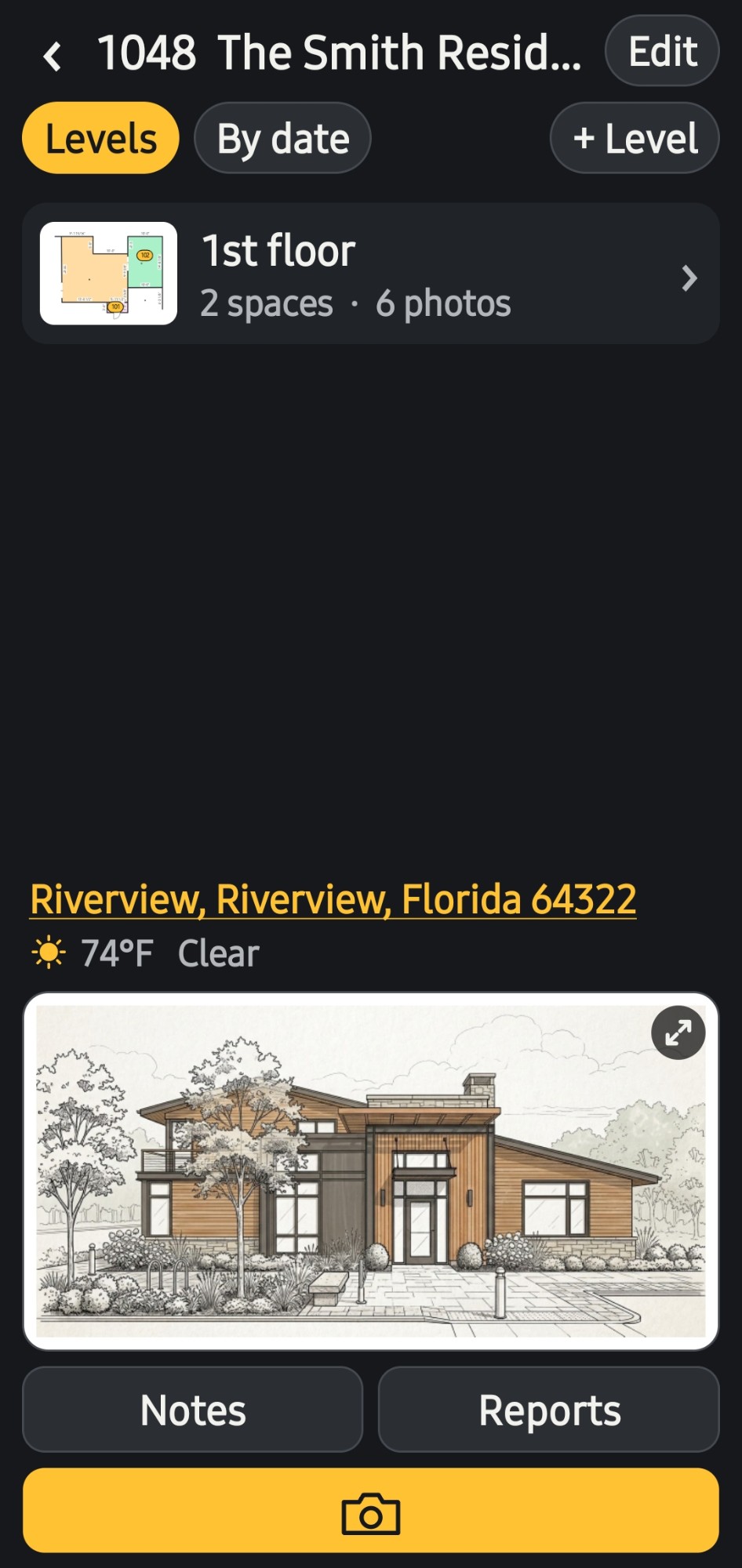
Everything a site photo needs, from the moment it is taken to the report that goes to the client.
Spaces numbered the architectural way, 101, 102, 103, with name suggestions for the type of project.
Every photo is named by your own naming convention, such as 1048_0005, the moment it is taken.
Draw walls, doors and areas with real dimensions, or bring in a PDF, a photo of a drawing or a sketch.
Every numbered tag is a photo, so anyone can see exactly where it was taken.
Retake a photo with the last one laid over the camera, so every version lines up.
Take the finish shot with the site photo as a ghost overlay. The two are linked for good.
Two versions, or a site photo and its finish, side by side. Slide left and right to see what changed.
Dimensions, text, arrows and call-outs, kept apart from the photo so the original is never changed.
Letter-size PDF reports with your logo, the address and the photos, built on the phone and ready to send.
A real project, from the list of jobs to the report.
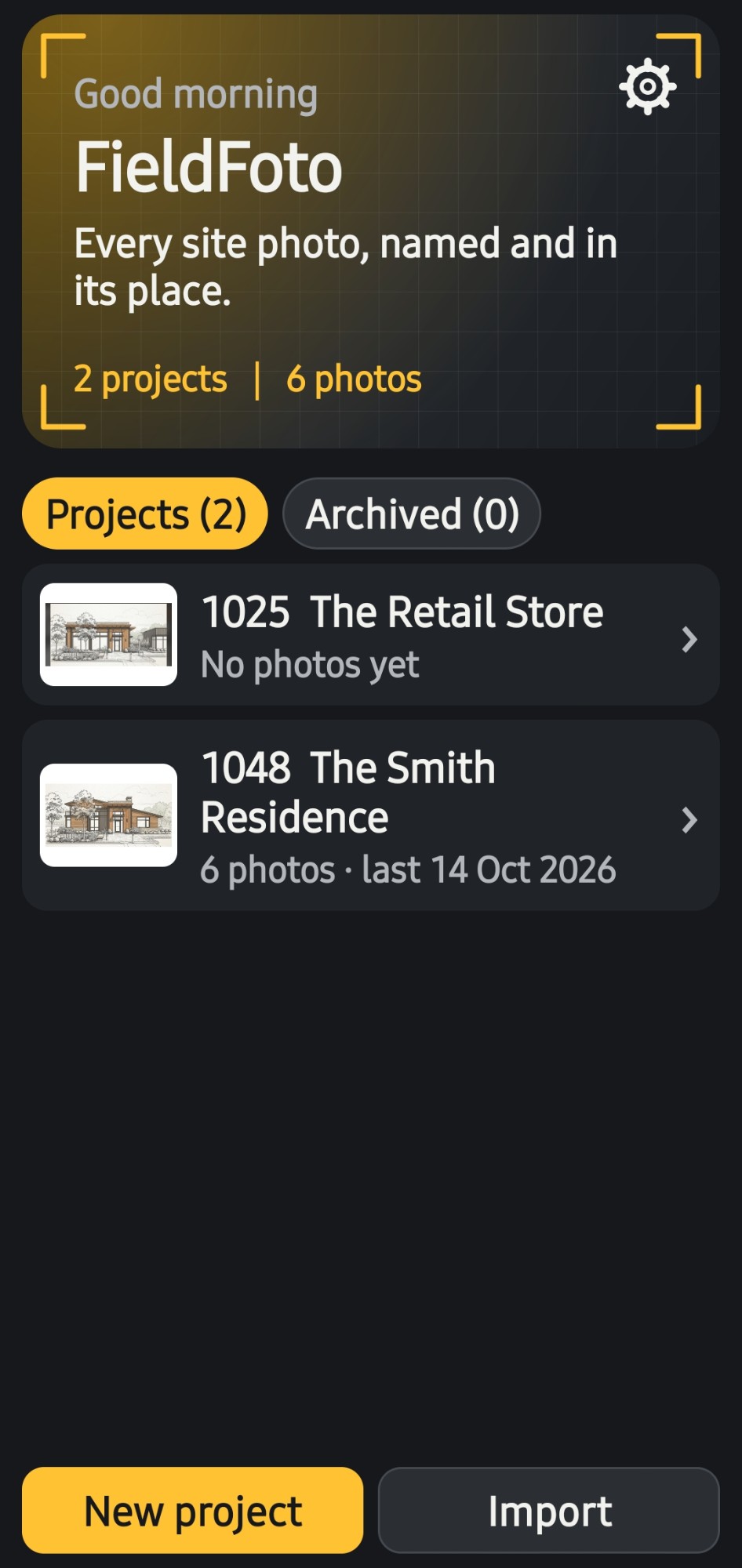
Every project in one list
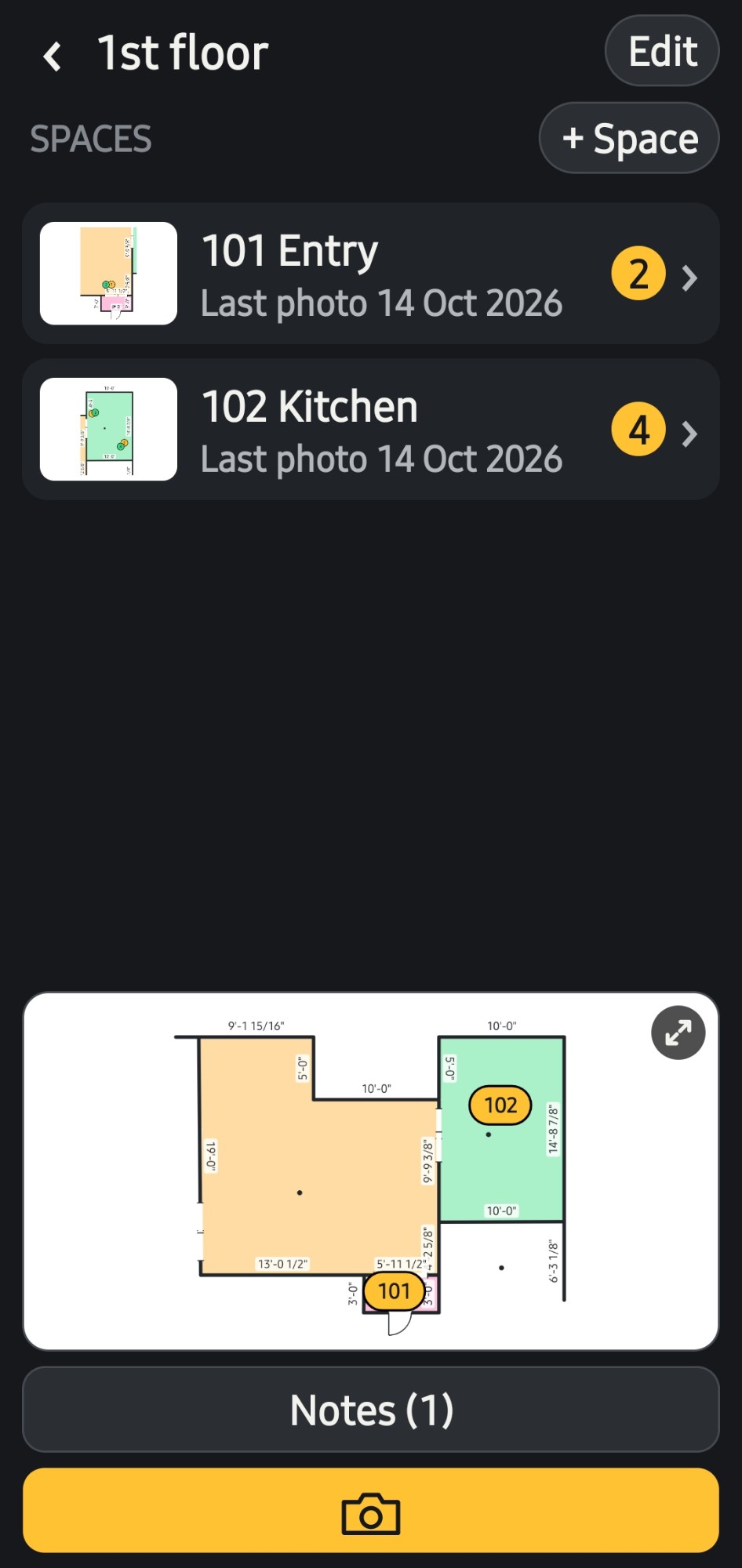
Spaces on every level
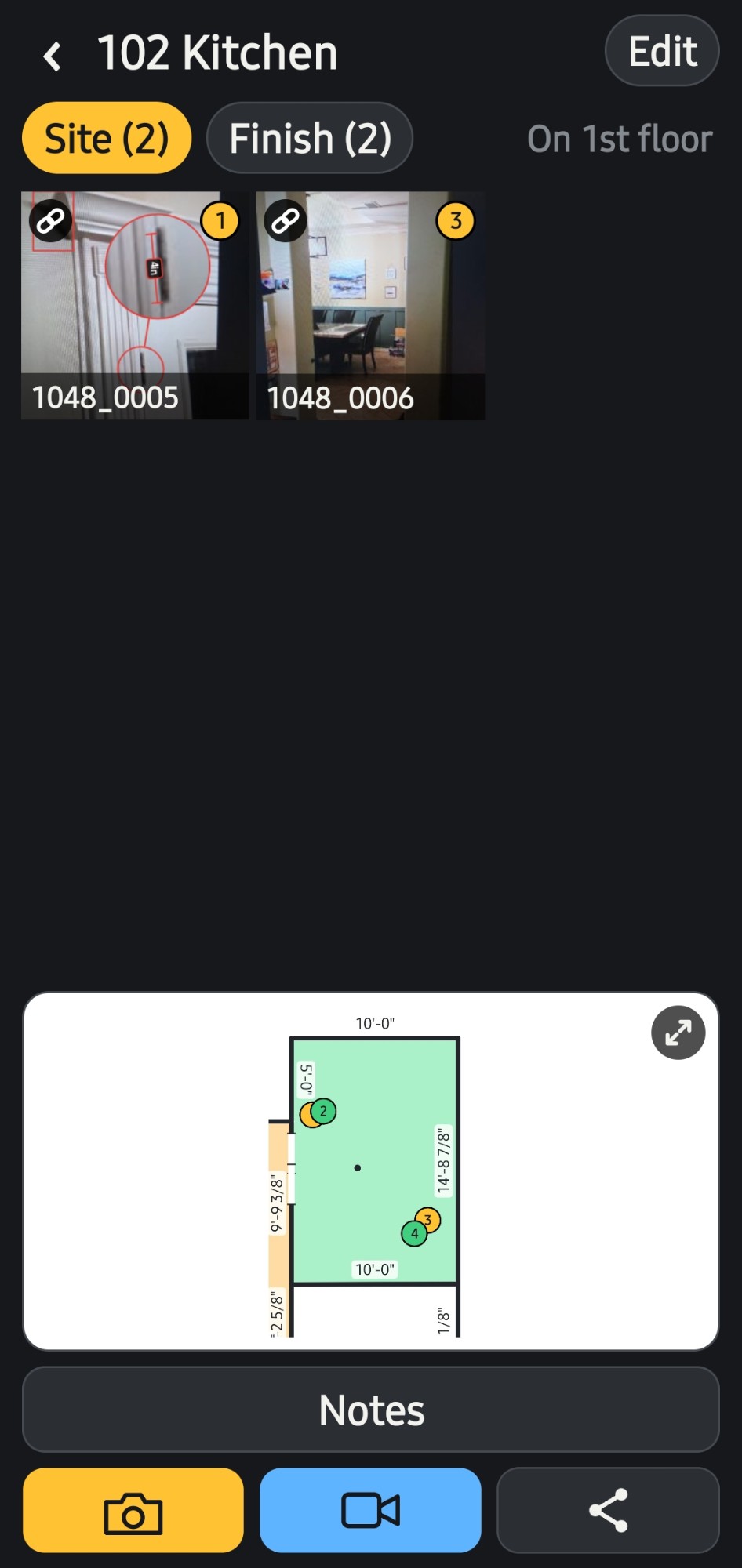
Site and finish photos, tagged on the plan
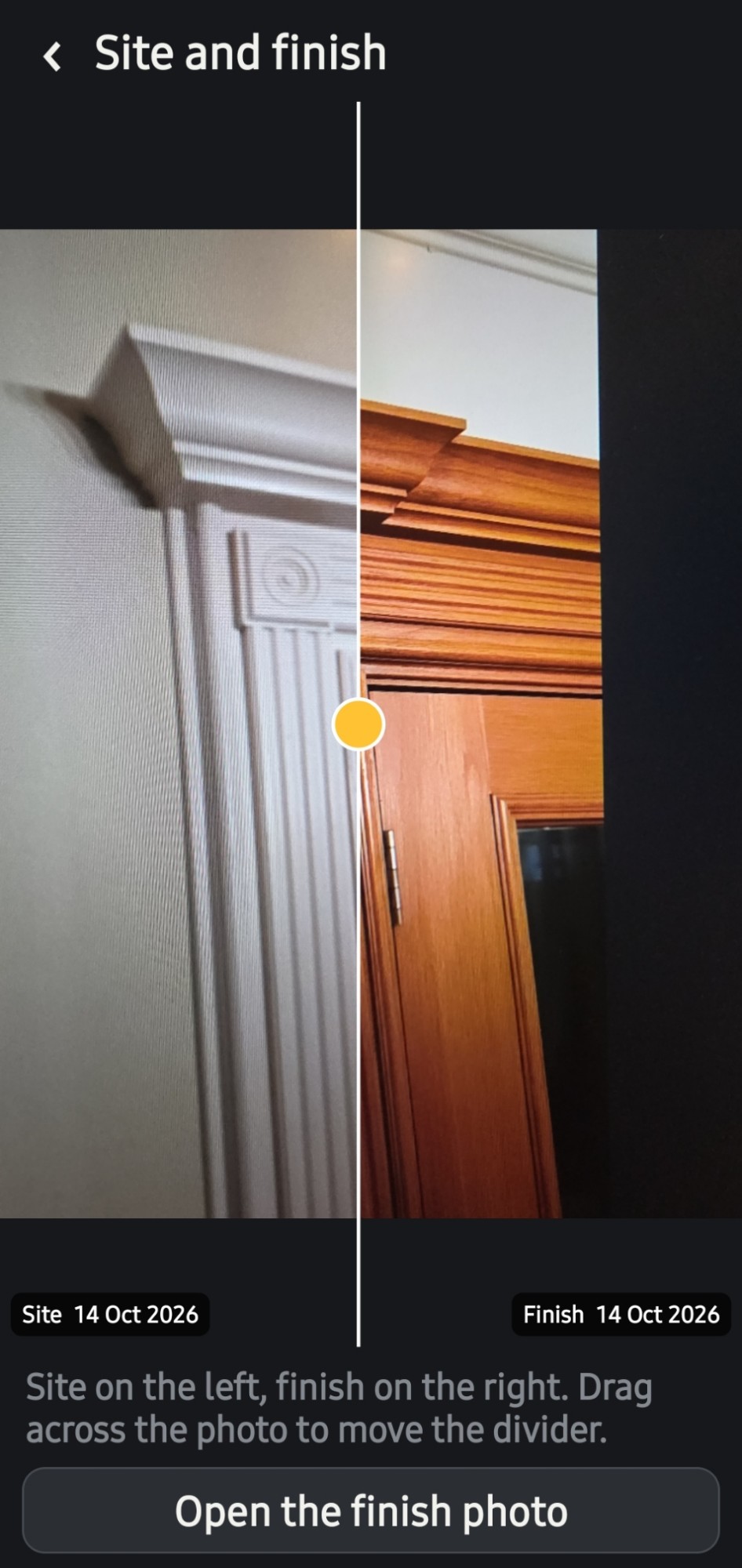
Slide to compare
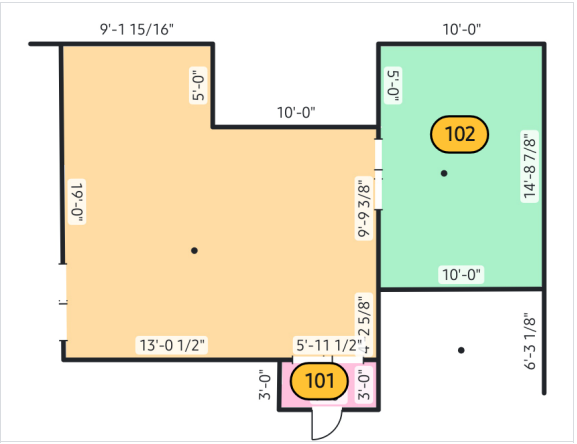
Level plans drawn on the phone, spaces tagged by number
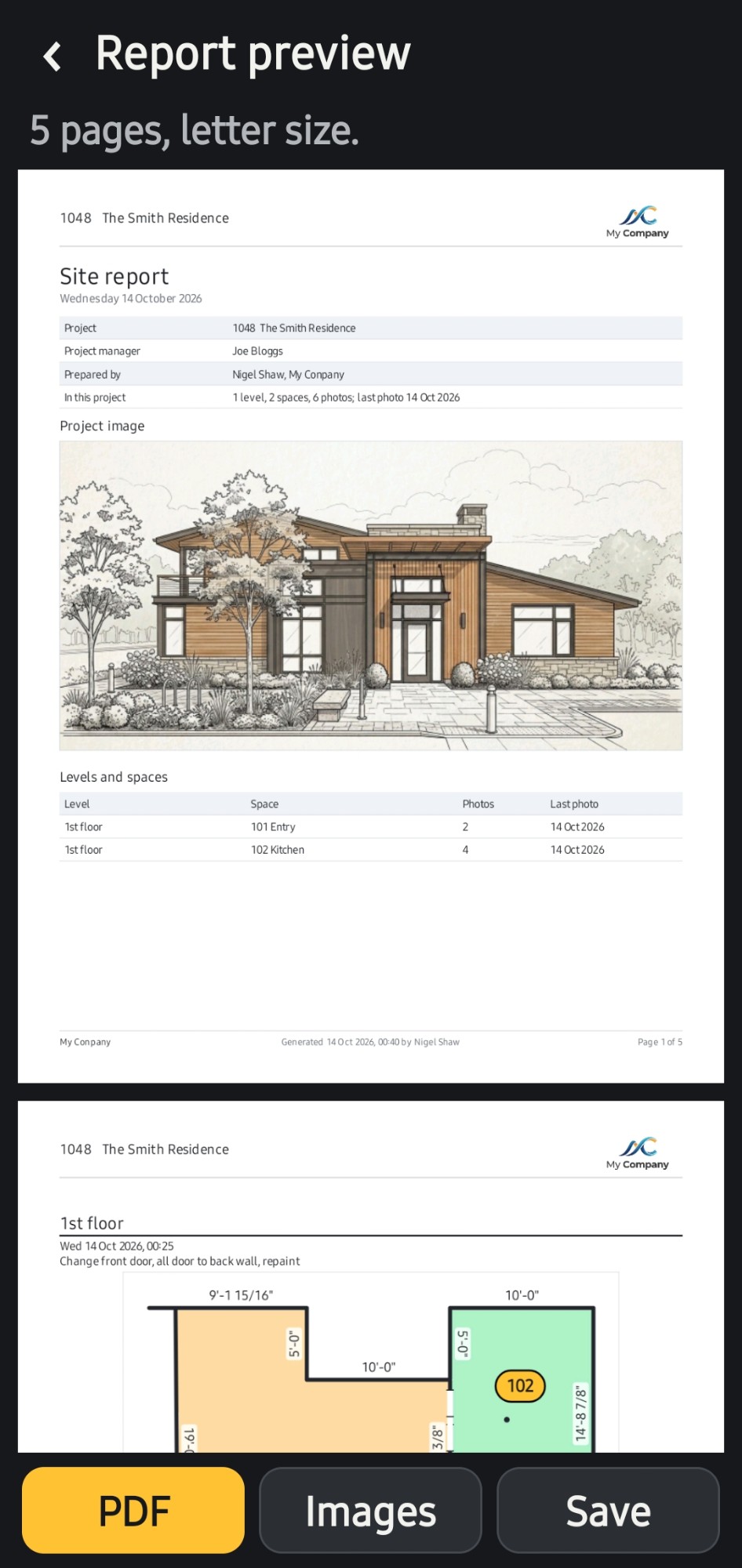
Reports, previewed before they go out
Download FieldFoto free and use it on a real job. When you need more, one payment unlocks everything, for good.
 FieldFoto